Day 7: Simplifying Package Managers and Systemctl in Linux with 📦🔧
As a seasoned IT professional with expertise in Siebel Administration and DevOps, I am passionate about optimizing CRM solutions and enhancing IT infrastructure to drive business success. With a proven track record of implementing and managing Siebel applications, coupled with strong DevOps skills, I bring a unique blend of technical knowledge and strategic thinking to streamline operations and improve customer experience.
Understanding Package Managers in Linux
In Linux, 📦 package managers are like helpful assistants that allow you to easily install, update, and manage software on your computer. Imagine them as little elves that fetch and organize all the necessary tools for your favorite apps!
📦 Package managers come in different flavors depending on your Linux version. Some popular ones are APT for Ubuntu, YUM and DNF for CentOS and Fedora.
Package Managers in Linux:
APT (Advanced Package Tool):
Ubuntu and Debian-based systems use APT as their package manager.
Common APT commands:
apt-get,apt,apt-cache.
YUM (Yellowdog Updater Modified) and DNF (Dandified YUM):
CentOS, Fedora, and RHEL use YUM (older) and DNF (newer) package managers.
Common YUM/DNF commands:
yum,dnf.
Installing Docker and Jenkins Using Package Managers on Ubuntu:
1. Installing Docker On Ubuntu (using APT):
sudo apt update
sudo apt install docker.io
2. Installing Jenkins: On Ubuntu (using APT):
sudo apt update
sudo apt install jenkins
Part 2: Understanding Systemctl and systemd
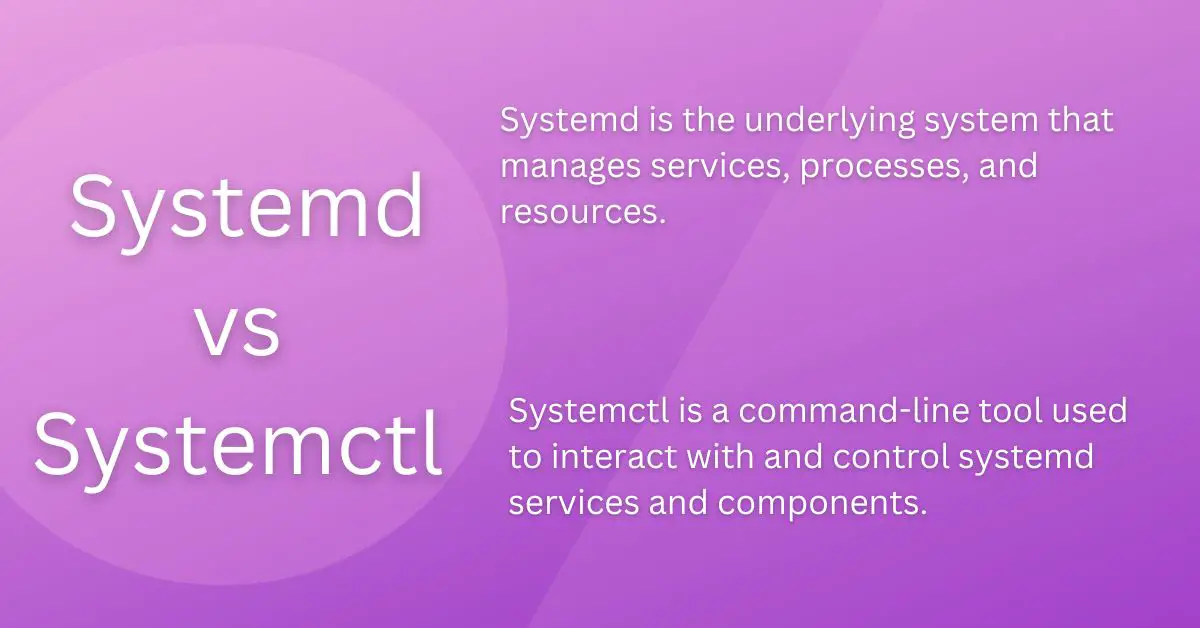
systemctl is a command-line tool that interacts with the systemd system and service manager. systemd is the init system and service manager for most modern Linux distributions. It is responsible for starting and managing system services during the boot process and while the system is running.
Common Systemctl Commands:
- To check Docker service status:
systemctl status docker
- To stop Jenkins service and check its status before and after:
sudo systemctl stop jenkins
sudo systemctl status jenkins
Note: Before running these commands, ensure that Docker and Jenkins are installed on your system.
systemctl vs service:
systemctl and service both manage services, but systemctl is used specifically with systemd-based systems, while service is used with older init systems like SysVinit. systemctl provides more advanced features and better integration with systemd, making it the preferred choice on systems where systemd is used.
In conclusion, package managers and systemctl are indispensable tools for managing software packages and system services on Linux. They simplify the installation and maintenance of applications, making it easier for users to harness the full potential of their Linux systems.
Happy Learning!!!
Reference
To develop deeper into the world of DevOps I highly recommend following Shubham Londhe on TrainWithShubham and Bhupinder Rajput on Technical Guftgu.